Her Son’s School Tablet Kept Transcribing After Class
An activity log showed that a classroom accessibility feature captured pickup conversations for 19 school days. The school could explain some of the recording, but not all of it.
August 9, 2026 · 8 min read
Lena first noticed the transcript because her son had forgotten which reading assignment he was supposed to finish. He was in third grade, and his school-issued tablet included a live transcription feature that turned classroom speech into text for students who needed help following spoken instruction.
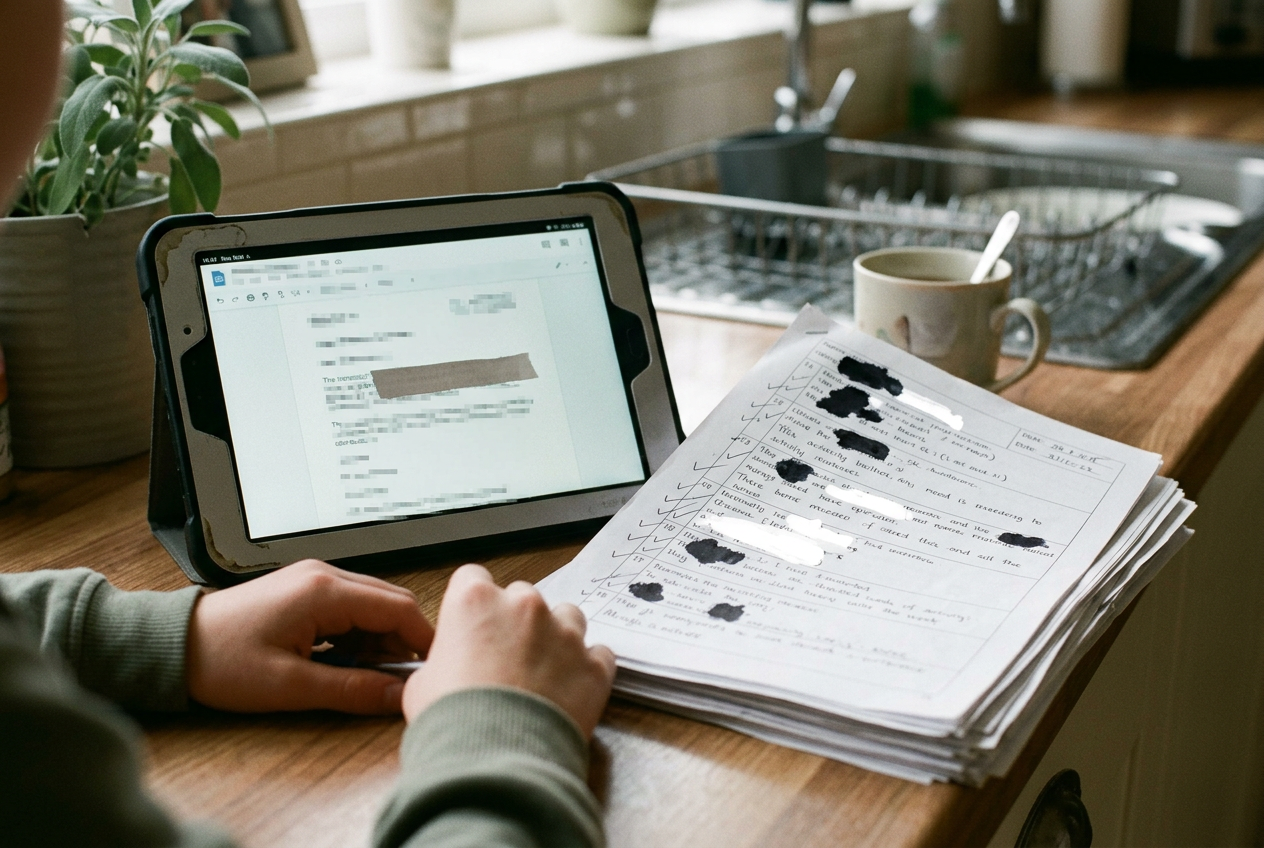
She opened the student dashboard at their kitchen table and found the lesson notes. Below them were lines that had nothing to do with reading.
One mentioned a caregiver being late. Another contained part of a conversation about medication. A third appeared to capture an older sibling discussing a family disagreement while children waited to leave. The phrases were incomplete, but Lena recognized the setting and one familiar voice.
The dashboard offered an activity log. She downloaded it as a PDF.
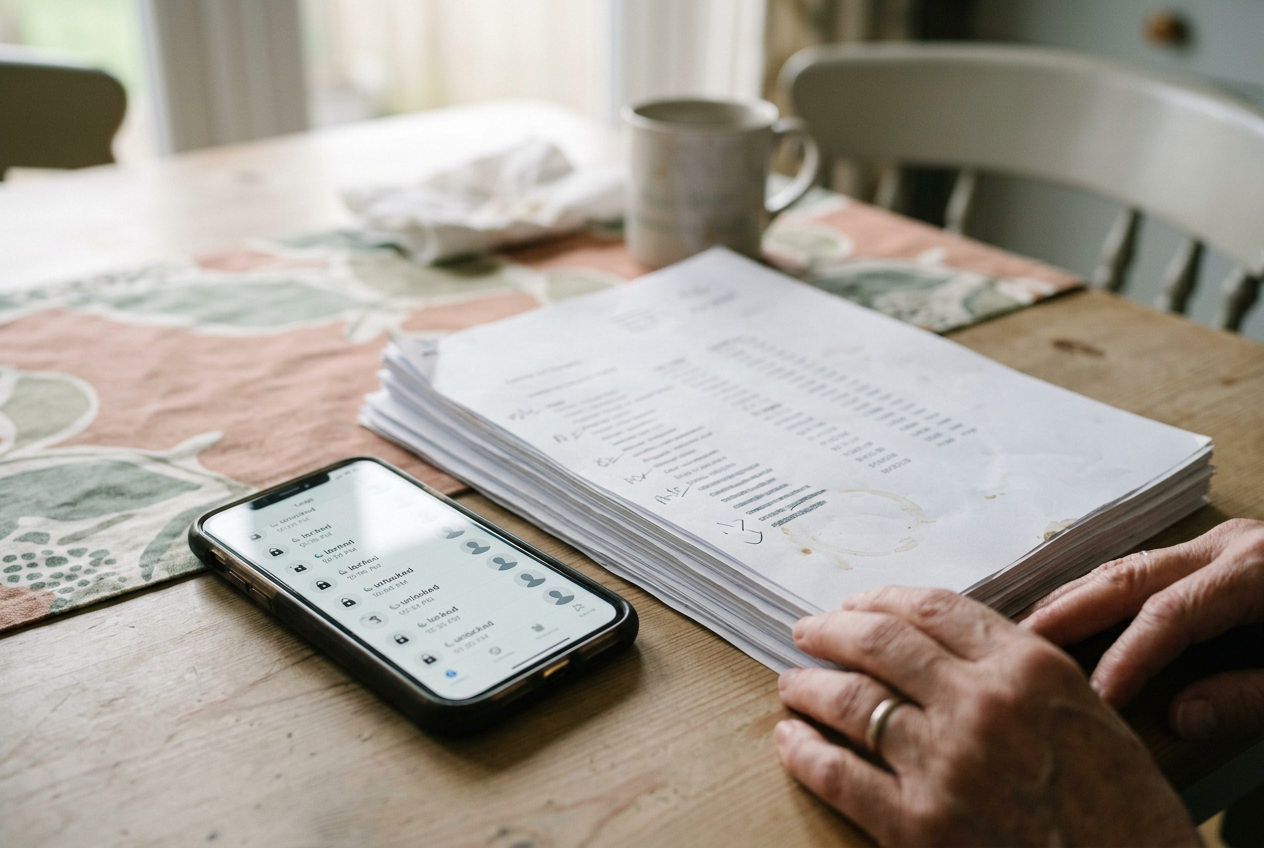
The 11-page activity log became the fixed point in what followed. It showed 38 transcript entries across 19 school days in October, including 14 created after lessons had ended. Some contained only a few words. Others ran for several paragraphs, picking up adults, children, and the ordinary private speech that gathers around school pickup.
The log did not contain audio files that Lena could play. It did show when each transcript had been created, which student account held it, and whether it still appeared in the dashboard. That distinction mattered: a written transcript can expose a conversation even when the original sound is gone, and deleting the visible text does not by itself establish whether another copy remains elsewhere.
Lena took screenshots, saved the PDF, and closed the tablet. Her son asked whether he had done something wrong. She told him he had not.
What the activity log established
The school initially described the feature as a classroom aid. A teacher could start transcription during a lesson, and students with access could review the resulting text afterward. The school had introduced it that fall, following a small trial, because some children benefited from seeing spoken words on the screen.
The explanation covered the intended use. It did not account for the 14 after-class entries in Lena’s activity log.
A school technology administrator later reproduced part of the problem with a test account. If a transcription session remained open when the lesson ended, locking the screen did not always close it. The tablet could continue processing nearby speech until the session was stopped, the application shut down, or the device lost permission to use its microphone.
That finding narrowed the likely cause, though it did not prove what had happened on every day shown in the PDF. The school could see that the sessions continued. Its records did not establish who had left each session running, whether the child had tapped the wrong control, or whether the interface had failed to make the recording state clear.
There was another uncertainty. Some entries appeared in the dashboard only after the tablet reconnected to the school network, which suggested that text or temporary audio may have been held on the device before syncing. The platform’s support team told the school that temporary processing data was used to produce transcripts, but the records supplied to Lena did not show how long every intermediate copy existed.
That gap changed the conversation. Lena was no longer asking only why private words had appeared in her son’s account. She wanted the school to determine whether those words had passed through other systems and whether people outside the classroom could retrieve them.
Access was broader than the family expected
The child and his teacher could view the lesson transcripts. Certain school technology staff also had administrative access for troubleshooting, while the platform’s support personnel could access limited account data when handling a request. The school said access was controlled by role, though it had not given families a plain description of those roles when the feature was introduced.
The school reviewed its available access history for the 19-day period. It found routine system activity and views associated with the teacher’s account. It also found administrative access after Lena reported the problem. The records it received did not indicate that another parent or student had opened her son’s transcripts.
That was reassuring, but partial. A log can show recorded events only when the system was designed to capture them, and the school could not use its dashboard to establish whether every internal process, support action, or temporary transfer had generated a visible entry. The platform supplied additional information, though Lena never received a single record connecting every stored copy with every access event.
She returned to the 11-page activity log during a meeting with the principal and technology staff. The concrete lines prevented the discussion from drifting toward general assurances about student devices. One entry included enough of a health conversation to identify the family involved to someone who knew them. Another captured a child’s first name alongside plans for who would collect that child later in the week.
Neither fragment amounted to a complete profile. Together, they showed why incidental recording creates a safety concern as well as a privacy concern. Pickup conversations may reveal where a child will be, who is responsible for them, or which adult will not be present. The risk depends on who can access the material, but the content itself matters before anyone misuses it.
The school paused the feature
Within a week of reviewing the log, the school disabled live transcription on the affected tablets. Students who relied on it received other classroom support while staff examined the settings and asked the platform for retention information.
The pause affected learning. Lena’s son had used transcripts to check instructions he missed, and another student in the class depended on written text more regularly. The teacher began posting short lesson summaries instead, which helped but did not reproduce live access to spoken discussion.
Lena did not see accessibility and privacy as opposing goals. Her concern was that the feature had been deployed without a reliable end point, while the visual indicator showing an active session was easy for an eight-year-old to overlook. A useful classroom tool had remained active during a part of the day when teachers were managing departures and families assumed their conversations were outside the lesson.
The school changed that workflow before restoring the feature two months later. Transcription sessions would close when the lesson application closed, and the microphone permission was limited to active use. Teachers also received a visible status prompt on their classroom controls, while student tablets displayed a larger recording notice.
Those changes reduced the chance of another open session. They did not answer every question raised by the October records.
Deletion had more than one meaning
The school removed the 38 visible transcripts from Lena’s son’s account after preserving the information needed for its review. The activity log then showed the entries as unavailable in the student dashboard.
The platform separately confirmed to the school that the associated transcript records had been deleted from its main account system. Backup copies followed a different retention cycle, and the response described a maximum period rather than confirming the date on which each copy tied to the child would disappear. Temporary processing data had its own handling rules.
For Lena, the difference between deletion from view and deletion from every system was one of the hardest parts to pin down. The first could be checked on the tablet. The second depended on the platform’s architecture, retention settings, and logs that the family could not inspect directly.
The district revised the family notice for classroom recording tools and began reviewing which features were enabled by default. It also limited administrative access and added periodic checks for transcription sessions that remained open beyond classroom use. Those measures described a better process. They did not reconstruct what happened to every fragment already captured.
Lena kept the original PDF. Months later, the 11 pages still contained the clearest account of the event: 38 entries, 19 school days, and language recorded after the lesson was supposed to be over.
Questions people ask
Can a school tablet keep transcribing after class?
Yes, if a transcription session remains active or the application does not release access to the microphone. In this case, locking the screen did not always end the session. The school reproduced that behavior, although it could not determine whether the same trigger caused every after-class entry in the activity log.
Who may be able to read a classroom transcript?
Access depends on how the school and platform configure the account. Here, the child, teacher, certain school technology staff, and limited platform support personnel could potentially view relevant data. The available access history showed no other parent or student opening the transcripts, but it did not provide a complete record of every internal system action.
What records helped the school investigate?
The downloaded activity log gave the school specific transcript entries, creation periods, and account status information to compare with its administrative records. The school then requested platform details about access and retention. Those sources established that recording continued, but they did not show who left each session open or map every temporary copy.
Does removing a transcript from the tablet delete every copy?
Not necessarily. The transcripts disappeared from the student dashboard and were removed from the platform’s main account system, while backups followed a separate retention period that Lena could not verify entry by entry. She stored the original 11-page activity log in a folder with the school’s written responses.
One story a day
The story of the day, in your inbox
One real story about AI each morning — no hype, no alarm, just company for the road.